
Functionalities
Image to PDF
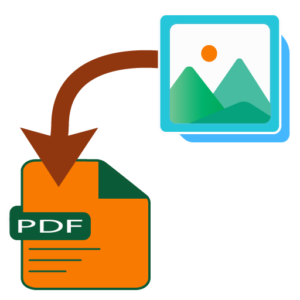
Convert multiple images into a single PDF document quickly and easily while maintaining image quality and layout.
This feature helps users organize photos, screenshots, and other image files into a professional and shareable PDF format while maintaining clarity and layout consistency. After the process complete if required text or image watermark can be added to result PDF.
Split PDF
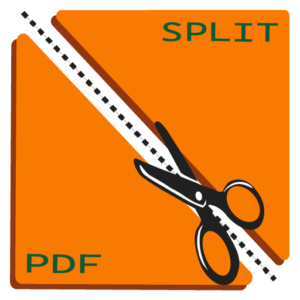
Separate a PDF into individual pages or smaller PDF files based on your required page range.
This feature allows users to extract specific sections, separate important pages, and manage PDF content more efficiently for sharing, editing, or storage purposes. After the process complete if required text or image watermark can be added to result PDF.
Merge PDF
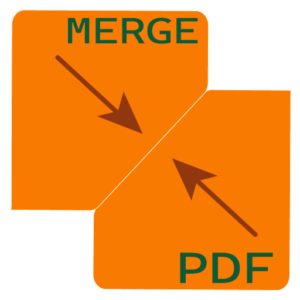
Combine multiple PDF documents into a single organized file with just a few clicks.
This feature helps users simplify document management by merging reports, forms, contracts, or other PDF files into one convenient and easy-to-share document. After the process complete if required text or image watermark can be added to result PDF.
Archive View
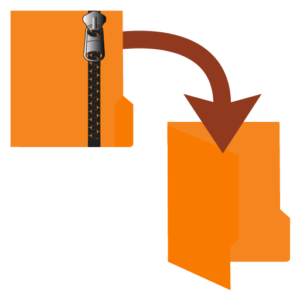
Access archived ZIP files from both internal and external applications with just a few clicks.
This feature allows users to open and preview ZIP files, including both password-protected and unprotected archives, while providing a seamless way to manage and access archived documents efficiently.
PDF Lock & Unlock
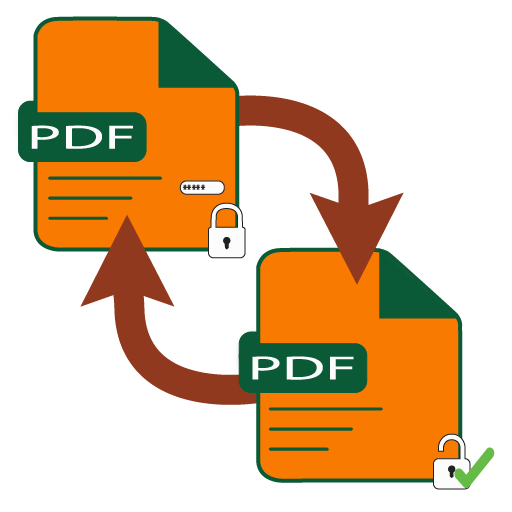
Lock the unprotected PDFs and Unlock the protected PDFs
This feature allows users to protect their PDF by providing the password and unlocks the PDF by removing the existing password on the PDF.
Why Choose PPF Plus?
Designed for Versatality

This Application works seemlessly across the devices, including smartphones and tablets.
Multi-OS Support

Compatible for both iOS and Android, ensuring smooth performance even after system updates.